PVC Control Cable Insulation and Sheath: How to Read the Datasheet
Read PVC insulation and outer-sheath fields separately, map the layers in YY, LiYY and LiYCY constructions, and check ratings before approving a cable specification.

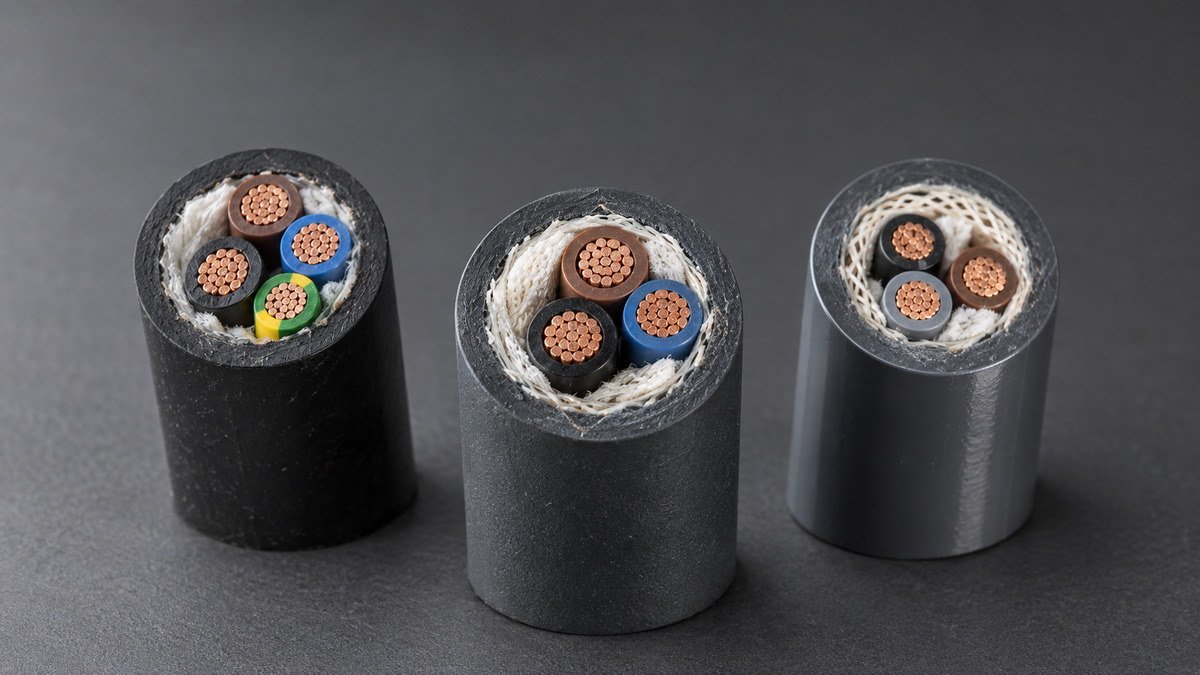
In a multicore PVC control cable, core insulation surrounds each conductor; the outer sheath surrounds the assembled cable. The insulation provides electrical separation. The sheath holds and protects the assembly. A datasheet that says “PVC insulated and PVC sheathed” identifies two separate layers, even though both use the same polymer family.
For a buyer comparing specifications, the useful question is where each material sits and which requirement it satisfies. Read the construction from the conductor outward, then check the finished cable’s ratings and installation conditions separately. The words “PVC insulated copper cable” alone leave those details unresolved.
Match each material to its layer
A cable construction drawing and its material table should describe the same sequence. Start with one conductor and its insulation, then follow the assembled cores out to any wrapping, screen, inner sheath and outer sheath shown for that design.
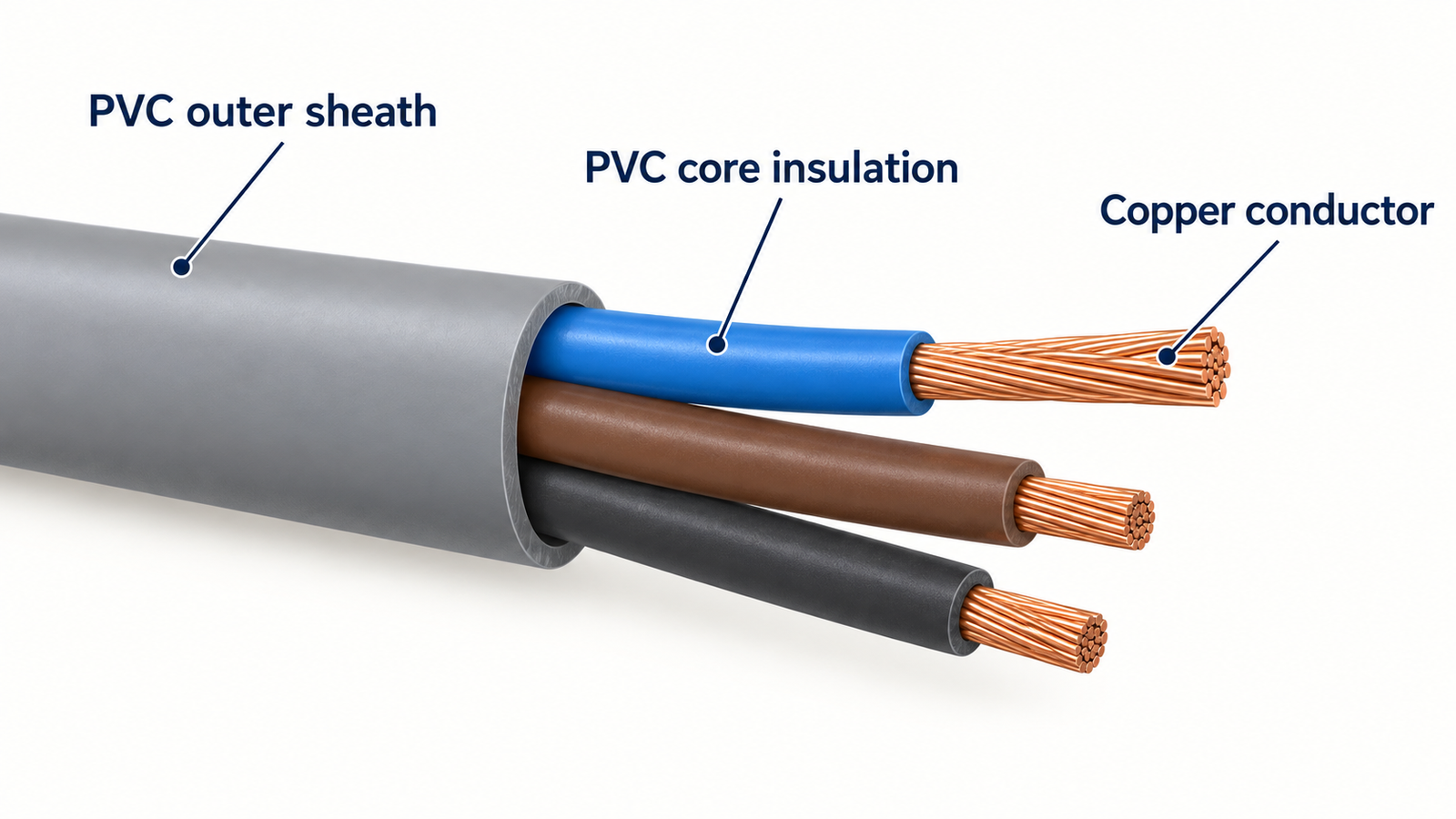
Keep these terms separate when marking up a drawing:
- Conductor: the metal element. Record its material, construction and nominal cross-sectional area.
- Core insulation: the material around an individual conductor. Record its compound and the specified core identification.
- Screen or braid: a separate layer when the design includes one. Record its material and arrangement in its own field.
- Outer sheath, or jacket: the covering around the cable assembly. Record its compound separately from the insulation.
An inner sheath, filler or separating tape should also retain its own label if present. A tape around the core bundle is not automatically another sheath, and a metallic screen is not the PVC insulation around each conductor. Follow the actual drawing rather than adding layers from a similar-looking cable.
Why can both layers say PVC but carry different codes?
PVC insulation and PVC sheathing are separate material specification categories. BSI lists BS EN 50363-3 for PVC insulating compounds and BS EN 50363-4-1 for PVC sheathing compounds. The shared material name does not make the two specifications interchangeable.
When a datasheet lists “PVC TI2” for insulation and “PVC TM2” for the sheath, preserve both entries in the comparison. Do not shorten them to one “material: PVC” row. A material-standard reference also does not, by itself, establish the finished cable’s certification or suitability for your installation.
Work through a YY construction table
The published YY PVC control cable construction provides an example of separate conductor, core-insulation and outer-sheath fields. When checking a proposed cable, compare these fields with the construction drawing supplied for that cable. The example below interprets the construction listed on the product page; the selected cable still needs a current, revision-controlled datasheet for procurement.
| Construction field | Published description | What to check in your specification |
|---|---|---|
| Conductor | Plain annealed copper; flexible construction | Record conductor material, stranding and area independently of the PVC layers. |
| Core insulation | PVC insulation around each conductor | Match the insulation entry to the individual cores in the drawing. Retain any compound code stated on the selected datasheet. |
| Core assembly | Insulated cores laid up in layers | Check core count and identification against the circuit schedule. |
| Screen | Unscreened | Record “none” explicitly. An absent screen row should be clarified rather than treated as confirmation. |
| Outer sheath | Grey PVC sheath | Record sheath compound and colour separately. Colour alone does not establish a compound specification. |
The completed reading has a clear result: individually PVC-insulated copper conductors, an unscreened core assembly and a PVC outer sheath. It does not yet answer the voltage, temperature or movement requirements. Those belong to the next part of the check.
Check ratings separately from construction
A construction table identifies what the cable contains. The ratings and conditions describe how the selected cable may be used. Keep both sets of information on the same revision of the datasheet so that a construction from one variant is not paired with ratings from another.
- Confirm the exact designation and revision. Match the product code, core configuration and document revision to the quotation. Use the designation legend supplied with that product; do not carry letter meanings across unrelated cable families.
- Separate conductor area from overall diameter. An area in mm² describes the conductor cross-section; an overall diameter in mm describes the complete cable. Check which value a terminal, gland or routing constraint requires, and whether the listed diameter is nominal or has a stated tolerance.
- Keep operating and test voltage distinct. Copy each voltage into its own field, retaining the stated AC, DC, peak or U₀/U notation. A test-voltage entry is not permission to operate the cable at that value.
- Keep temperature and movement conditions attached to their limits. Identify whether a temperature applies to the conductor, ambient conditions, installation or service. Where a datasheet separates fixed and flexing conditions, preserve that distinction; request specific confirmation for continuous motion or cable-carrier duty.
- Check environmental and fire requirements explicitly. Ask for the stated basis for any required oil, UV, flame or other performance. Do not fill an empty field using the word “PVC”, the sheath colour or a similar product’s description.
If two quotations use different voltage notation or omit the conditions beside a limit, resolve that difference before treating the offers as equivalent. A side-by-side table is useful only when its rows compare the same quantities.
Use the same layer map on LiYY and LiYCY
The published LiYY and LiYCY constructions illustrate how to read an additional screen layer while retaining separate core-insulation and sheath fields. The following rows summarise the construction listed on the current TEBAOFLEX product pages.
| Published family | Layer distinction | Use this page when… |
|---|---|---|
| LiYY | PVC-insulated cores and a PVC sheath; no screen | You need to inspect an unscreened signal/data construction: LiYY unscreened PVC signal cable. |
| LiYCY | PVC-insulated cores, separating wrap, overall tinned-copper braid and PVC sheath | You need to locate the screen relative to the cores and jacket: LiYCY copper-braid construction. |
These routes help you read the construction; they do not establish that YY, LiYY and LiYCY are interchangeable. Confirm the circuit duty, electrical characteristics and installation conditions for the selected product. For the broader range, the PVC control and data cable range brings the published families together.
Turn the reading into a clear specification request
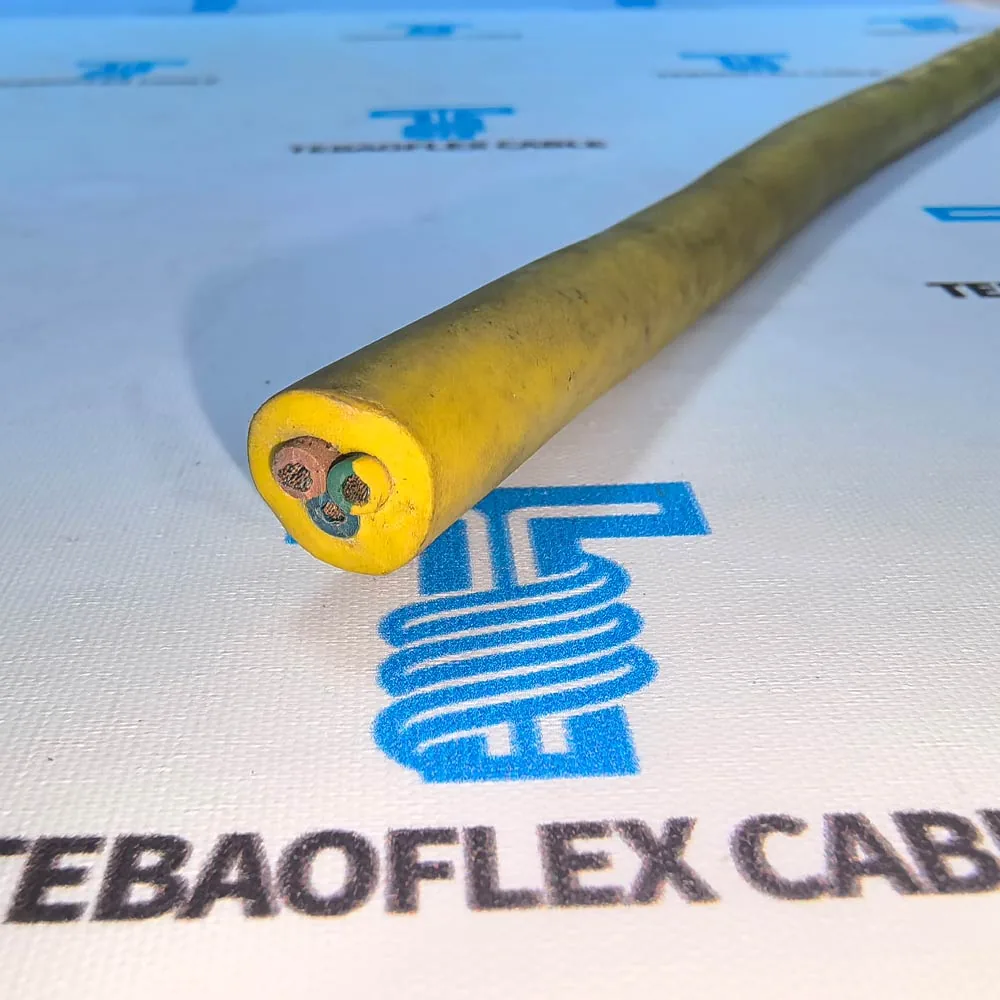
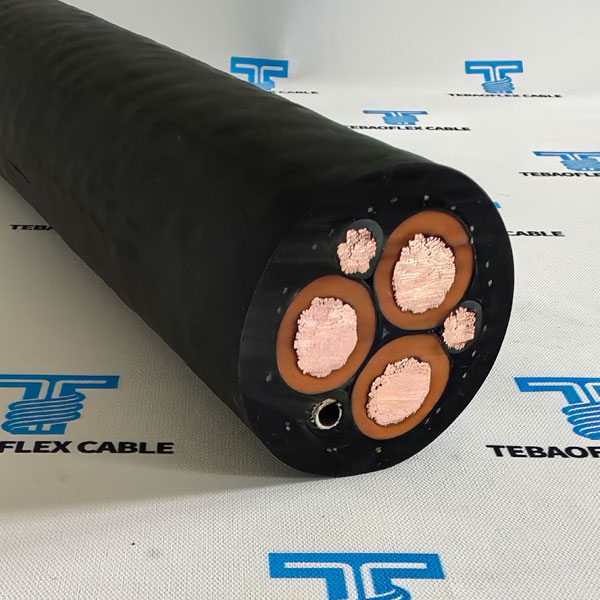
A useful specification request pairs the layer description with the intended circuit and installation. Send the existing datasheet or drawing and identify the fields that still need confirmation. A photo can help show the construction, but it cannot establish the compound grade or electrical rating on its own.
Use this request structure when preparing your enquiry:
Please review the attached cable specification for our stated circuit and installation. Confirm the designation and datasheet revision; conductor material, core count and cross-sectional area; core insulation and compound; screen or braid, if required; outer-sheath compound and colour; and overall diameter with tolerance. Please state the voltage notation, temperature and movement conditions, applicable standards and supporting documents for the proposed construction, and identify any differences from our drawing.
Add the required length and describe exposure to motion, oil, sunlight or other site conditions that affect the selection. Mark unresolved fields as questions instead of filling them from a neighbouring product table.
Send your control cable specification for review with the drawing and circuit requirements. Use the resulting datasheet and quotation together, and resolve any construction or rating differences before approving the cable.